
Description
WordPress Contact Form Builder Plugin
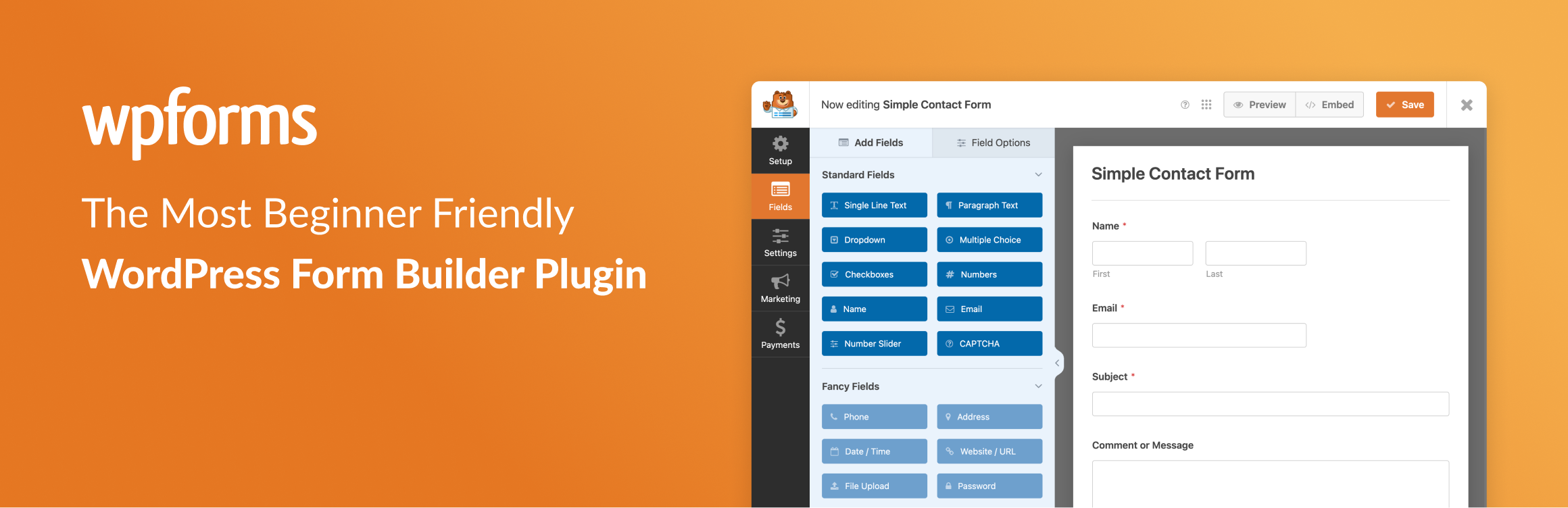
WPForms is a drag & drop WordPress form builder that’s EASY and POWERFUL. Create contact forms, feedback forms, subscription forms, payment forms (including Stripe, Square & PayPal), and other types of forms for your site in minutes with just a few clicks!
At WPForms, user experience is our #1 priority. Our pre-built form templates and workflows make WPForms the most beginner-friendly contact form plugin on the market. You don’t have to hire a developer. Create a form in less than 5 minutes with our drag & drop form builder or use a template to get a head start.
WPForms Pro
This plugin is the Lite version of WPForms Pro, which comes with email subscription forms, multi-page contact forms, file uploads, conditional logic, and extra payment integrations. Click here to purchase the best premium WordPress contact form plugin now!
Drag & Drop Contact Form Builder
Create custom contact forms in minutes with our easy-to-use drag and drop online form builder. But don’t just take our word for it. See what WordPress experts are saying:
Installation
- Install WPForms Lite either via the WordPress.org plugin repository or by uploading the files to your server. (See instructions on how to install a WordPress plugin)
- Activate WPForms Lite.
- Navigate to the WPForms tab at the bottom of your admin menu and click the “Add New” button to begin creating your new WordPress contact form.
- Want more features? Purchase the full version of WPForms!
WP-CLI Installation:wp plugin install wpforms-lite --activateFrequently Asked Questions
Who should use WPForms?
WPForms is perfect for business owners, bloggers, designers, developers, photographers, and basically everyone else. If you want to create a custom WordPress form, then you need to use the WPForms drag & drop form builder.
Do I need to have coding skills to use WPForms?
Absolutely not. You can create and manage forms without any coding knowledge (100% drag & drop form builder). WPForms is the most beginner-friendly contact form plugin on the market.
What type of WordPress forms can I build with WPForms?
WPForms drag & drop form builder combined with our addons is the most powerful WordPress contact form plugin on the market. Here are some types of WordPress forms you can create:
- ... [truncated]
Changelog
1.9.8.1
- Added: Ability to disconnect Stripe accounts through the Settings > Payments admin page.
- Added: Ability to set how many times a Stripe recurring payment will be repeated.
- Added: Back To Previous Page option for Confirmation Page Redirect.
- Changed: Improved accessibility for the Modern Dropdown field by adding ARIA attributes to support VoiceOver navigation.
- Changed: Notification email fields in the Form Builder now only display email-compatible Smart Tags.
- Fixed: PHP warnings might be generated for new forms created from a template by non-admin users.
- Fixed: Disabled fields (read-only) didn’t look disabled.
- Fixed: Smart Tag fields in the sidebar had incorrect height.
- Fixed: The last step of the WPForms Challenge wasn’t shown up for users in some cases.
- Fixed: Header Menu Links position has been adjusted to be on the same level on every screen.
- Fixed: Duplic... [truncated]