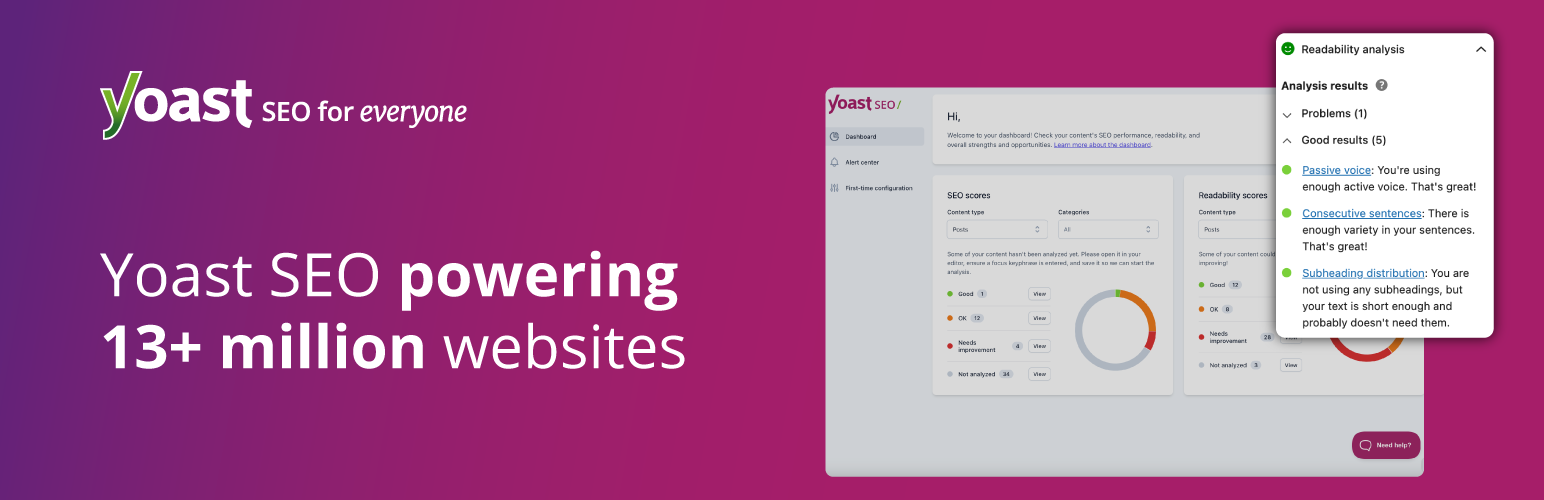

Description
Improve your SEO with real-time feedback, schema, and clear guidance. Upgrade for AI tools, Google Docs integration, and 24/7 support, no hidden fees.
Yoast SEO: The #1 WordPress SEO Plugin
Since 2008, Yoast SEO has helped millions of websites worldwide improve their visibility and SEO performance.
Our mission is SEO for Everyone — from small local businesses to some of the most visited sites on the web.
Yoast SEO gives you everything you need to manage your on-site SEO effectively.
The Yoast SEO Premium plugin and its extensions unlock even more advanced and AI-powered tools.
Handing you the competitive edge
SEO is the most consistent and cost-effective source of website traffic — but it can be complex. Whether you’re just starting out or an advanced user, Yoast SEO helps you handle SEO confidently and efficiently.
Don’t have time to stay on top of AI search and best practices? Keeping Yoast SEO updated means you automatically benefit from ongoing technical improvements, schema updates, and AI advancements — all guided by our signature traffic light approach.
Empower search engines to better understand your website using Schema.org structured data integration, and access in-depth content and readability analysis tools that help you create content designed to perform well in search.
Quick and easy setup
Setting up Yoast SEO is quick and straightforward — no technical background required.
Our step-by-step configuration wizard walks you through essential setup details so Yoast SEO can generate accurate structured data that helps search engines understand your site.
Switching from another SEO plugin like Rank Math or AIOSEO? Migration is seamless.
Import your existing SEO data and settings safely with our built-in import/export tools.
Installation
Starting with Yoast SEO consists of just two steps: installing and setting up the plugin. Yoast SEO is designed to work with your site’s specific needs, so don’t forget to go through the Yoast SEO first-time configuration as explained in the ‘after activation’ step! For the most up-to-date guidance on how to install Yoast SEO products, please visit our help center.
wp plugin install wordpress-seo --activateFrequently Asked Questions
Having an XML sitemap can be beneficial for SEO, as Google can retrieve essential pages of a website very fast, even if the internal linking of a site isn’t flawless.
The sitemap index and individual sitemaps are updated automatically as you add or remove content and will include the post types you want search engines to index. Post Types marked as noindex will not appear in the sitemap. Learn more about XML Sitemaps.
It is straightforward to add your website to Google Search Console.
1. Create a Google Search Console account and login into your account.
2. Click ‘Add a property’ under the search drop-down.
3... [truncated]
Changelog
26.1.1
Release date: 2025-10-08
Other
- Updates an outdated piece of copy.
26.1
Release date: 2025-10-07
Yoast SEO 26.1 brings more enhancements and bugfixes. Find more information about our software releases and updates here.
Enhancements
- Improves the UX of the
llms.txtsettings page, by informing the user that they have to save their changes in order for the file to be generated. - Introduces the option to add an Ahrefs verification code via the Yoast Settings page.
Bugfixes
- Fixes a bug where the
llms.txtopt-in would hide behind the WordPress sidebar when on RTL language.
Other
- Introduces the
Yoast\WP\SEO\should_invalidate_opcachefilter that disables opcache invalidation on plugin upgrade. - Lets users know about the new
Yoast S... [truncated]