
Description
Advanced Editor Tools (previously TinyMCE Advanced) introduces a “Classic Paragraph” block for the block editor (Gutenberg).
If you are not quite ready to switch to the block editor, or have plugins that cannot be used there (yet), using the Classic Paragraph block is your best option. It lets you to continue to use the familiar TinyMCE editor for most tasks, and at the same time gives you full access to all blocks and new features in the block editor.
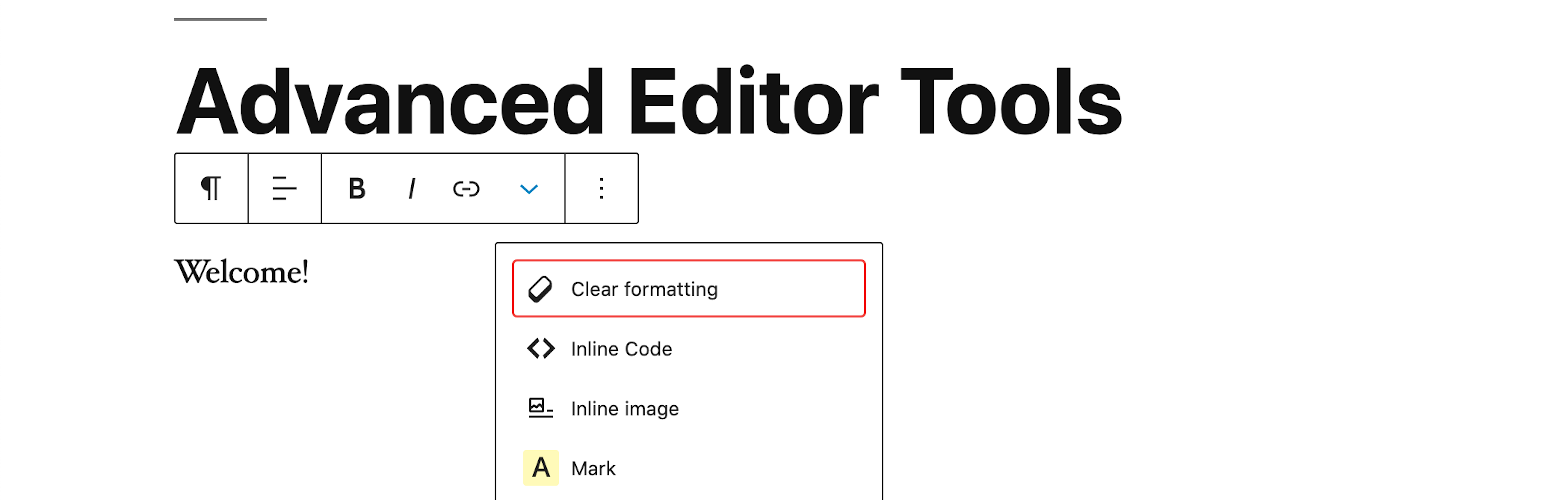
Version 5.5 continues to improve and enhance the new features introduced in version 5.0 of the plugin. It includes an improved “Clear Formatting” button, several advanced settings for tables, and importing and exporting of the settings to a file.
If you want to continue to use the previous (“classic”) editor in WordPress 5.0 and newer, this plugin has an option to replace the new editor with the previous one. If you prefer to have access to both editors side by side or to allow your users to switch editors, it would be better to install the Classic Editor plugin. Advanced Editor Tools is fully compatible with the classic editor plugin and similar plugins that restore use of the previous WordPress editor.
As always this plugin will let you add, remove and arrange the buttons that are shown on the Visual Editor toolbar in the Classic Paragraph and Classic blocks in the block editor, and in the classic editor (when enabled by a plugin). There you can configure up to four rows of buttons including Font Sizes, Font Family, text and background colors, tables, etc.
It includes 15 plugins for TinyMCE that are automatically enabled or disabled depending on the buttons you have chosen.
In addition this plugin adds options for keeping the paragraph tags in text mode and importing the CSS classes from the theme’s editor-s... [truncated]
Installation
If manual installation is required, please make sure that the plugin files are in a folder named “tinymce-advanced” (not two nested folders) in the WordPress plugins folder, usually “wp-content/plugins”.
wp plugin install tinymce-advanced --activateFrequently Asked Questions
These errors are usually caused by the file in question being blocked by some security setting on the server, or (rarely) by caching issues or wrong permissions.
The first step to debug this is to try to access the file directly in the browser (i.e. copy the URL and paste in the browser and press Enter).
If you see the file (that’s usually minified JS, so it is all on one line) chances are it was some sort of caching issue that is now resolved. Try using the editor again.
If you see an HTTP error (like 403 or 500) best would be to contact your web hosting company for help. In some cases deleting and re-installing the plugin may help.
Changelog
5.9.2
- Fixed a typo in the plugin header version string.
5.9.1
- Fixed a warning in PHP 8.0 and never.
5.9.0
- Updated for WordPress 5.9 and newer.
- Removed the Inline text color and Inline text background color side-panels as this functionality is now available in the block editor.
- Removed the side-panel toolbar. The drop-down on the main rich-text toolbar serves the same purpose – to unclutter the toolbar.
- Fixed some small bugs and compatibility issues.
5.6.0
- Updated for WordPress 5.6 and TinyMCE 4.9.11.
5.5.1
- Renamed the plugin to Advanced Editor Tools to comply with trademark requirements.
5.5.0
- Updated for WordPress 5.5 and TinyMCE 4.9.10.
- Updated/renamed the subscript and superscript buttons as these are now in Gutenberg.
- Minor CSS fixes and enhancements.