
Description
At Sucuri, we are dedicated to keeping your website safe and secure. With a focus on protection and monitoring, we offer solutions that help you stay ahead of potential threats for your WordPress site.
Our services include everything from malware detection to performance optimization, all designed to give you peace of mind.
We understand the importance of your online presence and are here to support you every step of the way. Join us, and let’s work together to ensure your website remains secure and resilient.
The Sucuri Security Monitoring Plugin is designed to safeguard your WordPress site with ease and reliability. Our plugin offers a range of essential security features, including:
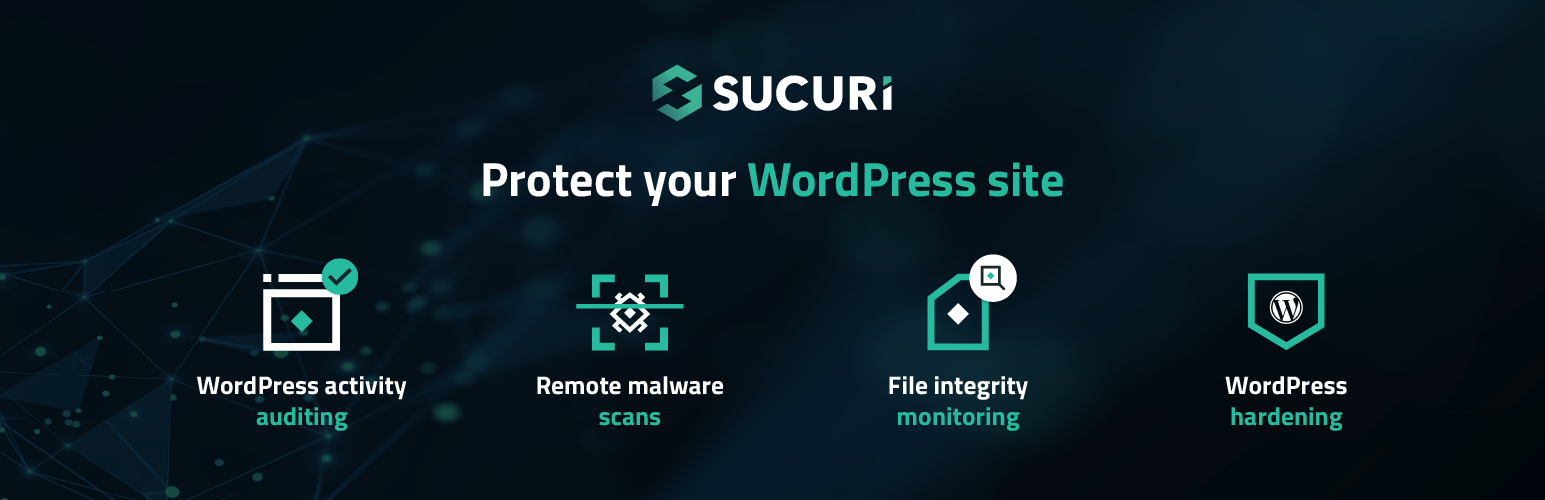
- Security Activity Auditing: Keep track of every security-related event within your WordPress environment.
- File Integrity Monitoring: Detect unauthorized changes to your files and protect your site from potential vulnerabilities.
- Remote Malware Scanning: Regularly scan your site for malware with our remote scanner to ensure it’s clean and secure.
- Blocklist Monitoring: Receive alerts if your site is blocklisted by any major services, allowing for quick resolution.
- Security Hardening: Implement recommended security practices to fortify your site against threats.
- Post-Hack Security Actions: If the worst happens, our plugin helps you recover your site easily.
With Sucuri, you can focus on what matters most—growing your website—while we handle the security. Our feature set provides a clear view of your site’s status, making it easy to manage, monitor and take action.
Contributors & Maintenance Notice
Our dedicated team of engineers and security analysts is continually working to enhance the Sucuri Security Monitoring Plugin.
We provide regular updates,... [truncated]
Installation
The installation of the Sucuri WordPress Security plugin is very simple and straight forward. A detailed breakdown of the process is available here (including images), however, below we outline the bare minimum steps.
To install Sucuri Security and complement your Security posture:
- Log into your WordPress administration panel,
- In the sidebar, choose “Plugins” and then “Add New”,
- Type “sucuri” or “sucuri-scanner” in the search box,
- Install the option with the “By Sucuri Inc.” at the foot,
- Once activated, you will find a new icon in the sidebar with the Sucuri logo. Go to the plugin’s dashboard and click the button that says “Generate API Key” to activate the event monitoring, this will generate a unique key to authenticate your website against the remote Sucuri WordPress API service,
- Feel free to visit the plugin’ settings page to configure other options including the security alerts, hardening options, file system scanner paths and API service communication.
Visit the Support Forum to ask questions, suggest new features, or report bugs. And recommend the plugin to your friends and colleagues if you think it can help them.
wp plugin install sucuri-scanner --activateFrequently Asked Questions
More information on the Sucuri Security WordPress plugin can be found in our Knowledge Base.
One of the standout features of our WordPress plugin is the comprehensive audit logging system. At Sucuri, we recognize that every change within your application can be a potential security event. From user logins to content modifications, our audit logs are designed to capture all security-related activities on your site.
These logs provide you with crucial visibility into your website’s operations, answering key questions such as:
* Who logged in? Understanding who accesses your site is fundamental to ensuring that only authorized users are logging in. This helps in identifying any unauthorized access attempts, allowing you to respond swiftly to potential security breache... [truncated]
Changelog
2.5
- Add support for two-factor authentication.
This plugin bundles qrcode-generator (MIT) by Kazuhiko Arase.
Vendored copy due to npm package-injection concerns. We’ll switch back to npm when feasible.
Source: https://github.com/kazuhikoarase/qrcode-generator
2.4
- Update list of files to ignore in integrity check.
2.3
- Add theme toggle switch.
- Remove an unnecessary section for users without WAF key.
2.2
- Update integrity section.
- Add a warning when the configured WAF domain does not match site’s domain.
2.1
- Fix dark theme conflicting with Woo styles.
2.0
- Added support for WordPress Core vulnerability scanner.
- Added support for PHP vulnerability scanner.
- Added support for plugin’s vulnerability scanner.
- Added support for theme’s vulnerability ... [truncated]