
Description
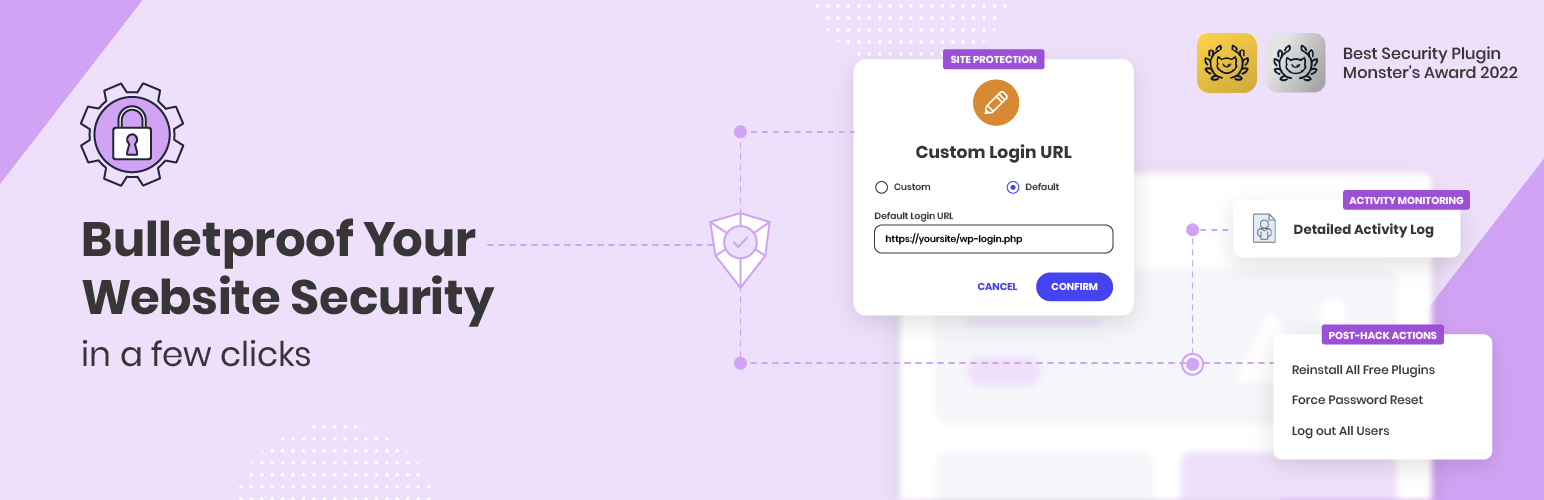
Bulletproof your website security in a few clicks against a range of security breaches, including brute-force attacks, malware threats and bots, with our free WordPress security plugin – Security Optimizer.
Proactively monitor your site’s security to detect any suspicious activity and take immediate actions to protect your site and prevent further damage with these essential features:
- Enable 2FA (Two-Factor Authentication) for an extra layer of website security
- Set Limit Login Attempts to deter malicious login attempts and brute-force attacks
- Change your default login URL to Custom Login URL to avoid attacks
- Activate Advanced XSS Protection to fortify your website against malicious attacks
- Lock and Protect System Folders to ensure no unauthorized or malicious scripts can be executed in your system folders
- Disable Themes & Plugins Editor to safeguard your website from unauthorized access via the WordPress editor
- Hide WordPress Version effortlessly, keeping it hidden from prying eyes
- Use Activity Log to monitor your site and quickly prevent malicious actions
- Post-Hack Actions to take immediate actions and prevent further damages
Developed by the website security experts at SiteGround and trusted by over 900,000 webmasters for its robust security shield and ease of use to safeguard WordPress applications from possible attacks on any hosting platform.
AWARDS:
Monster Awards 2022: Best WordPress Security Plugin 🥇 Release Date Nov 21st, 2024 Release Date: Oct 9th, 2024 Release Date: Sep 18th, 2024 Release Date: Sep 10th, 2024 Release Date: Aug 27th, 2024 Release Date: Aug 1st, 2024 Release Date: July 17th, 2... [truncated]
Installation
Automatic Installation
Manual Installation
wp plugin install sg-security --activateChangelog
Version 1.5.7
Version 1.5.6
Version 1.5.5
Version 1.5.4
Version 1.5.3
Version 1.5.2
Version 1.5.1