
Description
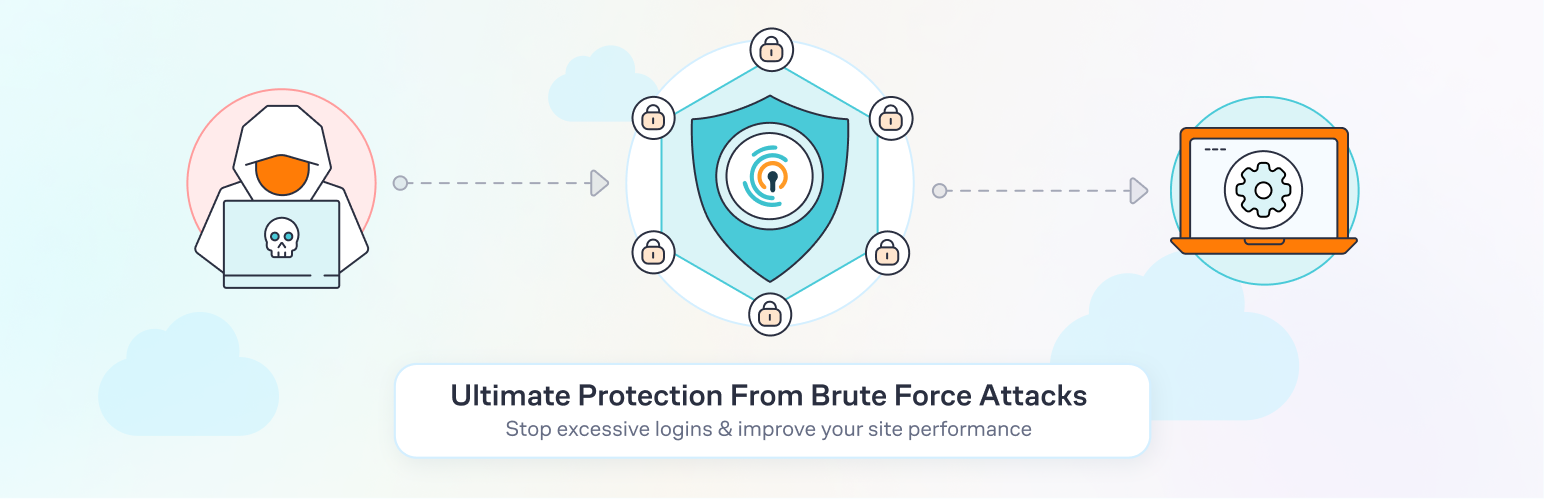
Limit Login Attempts Reloaded functions as a robust deterrent against brute force attacks, bolstering your website’s security measures and optimizing its performance. It achieves this by restricting the number of login attempts allowed. This applies not only to the standard login method, but also to XMLRPC, Woocommerce, and custom login pages. With more than 2.5 million active users, this plugin fulfills all your login security requirements.
The plugin functions by automatically preventing further attempts from a particular Internet Protocol (IP) address and/or username once a predetermined limit of retries has been surpassed. This significantly weakens the effectiveness of brute force attacks on your website.
By default, WordPress permits an unlimited number of login attempts, posing a vulnerability where passwords can be easily deciphered through brute force methods.
Limit Login Attempts Reloaded Premium (Try Free with Micro Cloud)
Upgrade to Limit Login Attempts Reloaded Premium to extend cloud-based protection to the Limit Login Attempts Reloaded plugin, thereby enhancing your login security. The premium version includes a range of highly beneficial features, including IP intelligence to detect, counter and deny malicious login attempts. Your failed login attempts will be safe... [truncated]
Frequently Asked Questions
If you are using contemporary hosting, it’s likely your site uses a proxy domain service like CloudFlare, Sucuri, Nginx, etc. They replace your user’s IP address with their own. If your server is not configured properly, all users will get the same IP address. This also applies to bots and hackers. Therefore, locking one user will lead to locking everybody else out. In the free version of the plugin, this can be adjusted using the Trusted IP Origin setting. In the premium version, the cloud service intelligently recognizes the non-standard IP origins and handles them correctly, even if your hosting provider does not.
An easy way to check if the attack is legitimate is to copy the IP address from the lockout notification and check its location u... [truncated]
Changelog
2.26.23
- Fixed conflict with Hub and similar themes.
- Reorganized links.
2.26.22
- Fixed REMOTE_ADDR if server is misconfigured.
- Lint.
2.26.21
- Update notice position corrected.
- Debug tab – more info added.
- Lint.
2.26.20
- Fixed formatting issues for Safari on some pages.
- Added displaying of Customer ID.
- Menu minor fix.
- Onboarding process updated.
2.26.19
- Added links to the IP2Location page.
2.26.18
- Better displaying IPv6 in the log.
2.26.17
- Added default registration protection for cloud accounts (free and paid).
2.26.16
- Fixed GDPR message issue for some themes.
2.26.15
- Fixed translation compatibility with WordPress 6.7.
- Fixed GDPR message on the Woocommerce login page.... [truncated]