
Description
Google Analytics Plugin for WordPress
With over 3 million active installs, MonsterInsights is the most popular Google Analytics plugin for WordPress.
We believe that it’s easy to double your traffic and sales when you know exactly how people find and use your website. MonsterInsights shows you the analytics and stats that matter, so you can grow your business with confidence.
At MonsterInsights, we make it “effortless” to properly connect your WordPress site with Google Analytics, so you can start making data-driven decisions to grow your business.
Unlike other Google Analytics plugins, MonsterInsights allows you to enable all advanced Google Analytics tracking features with just a few clicks (no need to hire a developer).
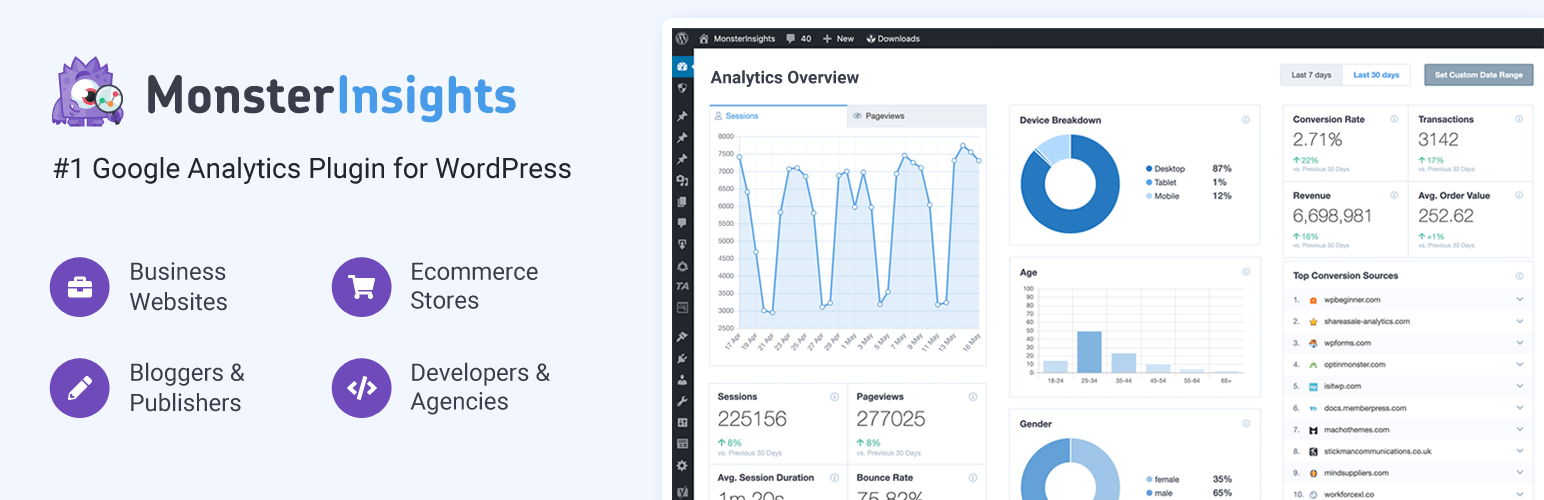
The best part is that MonsterInsights comes with an analytics dashboard for WordPress that shows you actionable analytics reports right inside your WordPress dashboard. We have created customized reports that eliminate the fluff and only show you the stats that matter, so you can see exactly what’s working and what’s not!
Simply put, MonsterInsights is the most complete Google Analytics plugin for WordPress that’s both EASY and POWERFUL.
That’s why millions of small businesses and top companies like Microsoft, Bloomberg, FedEx, Yelp, Subway, etc. use MonsterInsights to setup Google Analytics on their WordPress sites.
MonsterInsights Pro
This plugin is the lite version of MonsterInsights Pro plugin that comes with all the tracking features you will ever need including events tracking, ecommerce tracking, custom dimensions tracking, page speed reports, popular post tracking, custom dimensions, affiliate link tracking, video tracking and tons more.Installation
- Install Google Analytics for WordPress by MonsterInsights either via the WordPress.org plugin repository or by uploading the files to your server. (See instructions on how to install a WordPress plugin)
- Activate Google Analytics for WordPress by MonsterInsights.
- Navigate to the Insights tab in your WordPress admin menu and configure the plugin.
- Want more features? Purchase MonsterInsights Pro!
WP-CLI Installation:wp plugin install google-analytics-for-wordpress --activateFrequently Asked Questions
For all frequently asked questions, and their answers, check the MonsterInsights Docs.
Why use Google Analytics vs WordPress stats?
Native WordPress stats plugins will always slow down your website because they rely on your WordPress hosting server. Most of them do not provide accurate WordPress analytics either.
Some WordPress stats plugins use third-party servers to mitigate this issue, but they all lack powerful features that Google Analytics can offer.
Google Analytics is the #1 analytics solution in the world. It comes with all the powerful features that you can ever ask for. MonsterInsights makes it easy for you to use all advanced Google Analytics features in WordPress.
Why choose Google Analytics by Mo... [truncated] Changelog
9.8.0: September 10, 2025
- New: Google Ads Integration! Set up Google Ads campaigns directly from the MonsterInsights dashboard.
- New: AI Traffic Report – see what LLMs are sending traffic to your website
- Fixed: Minor updates and bug fixes
9.7.0: August 7, 2025
- Fixed: Minor updates and bug fixes
9.6.1: June 26, 2025
- Fixed: Minor updates and bug fixes
9.6.0: June 17, 2025
- Enhancement: Updated Forms Report to include more metrics and stats
- Fixed: Minor updates and bug fixes
9.5.3: May 14, 2025
- Fixed: Minor updates and bug fixes
9.5.2: May 6, 2025
- Fixed: Minor updates and bug fixes
9.5.1: May 5, 2025
- New: Support for Pinterest PPC conversion tracking
- Fixed: Minor updates and bug fixes
9.4.1: March 27, 2025
- Fixed: Minor updates and b... [truncated]