
Description
Turn conversations into conversions
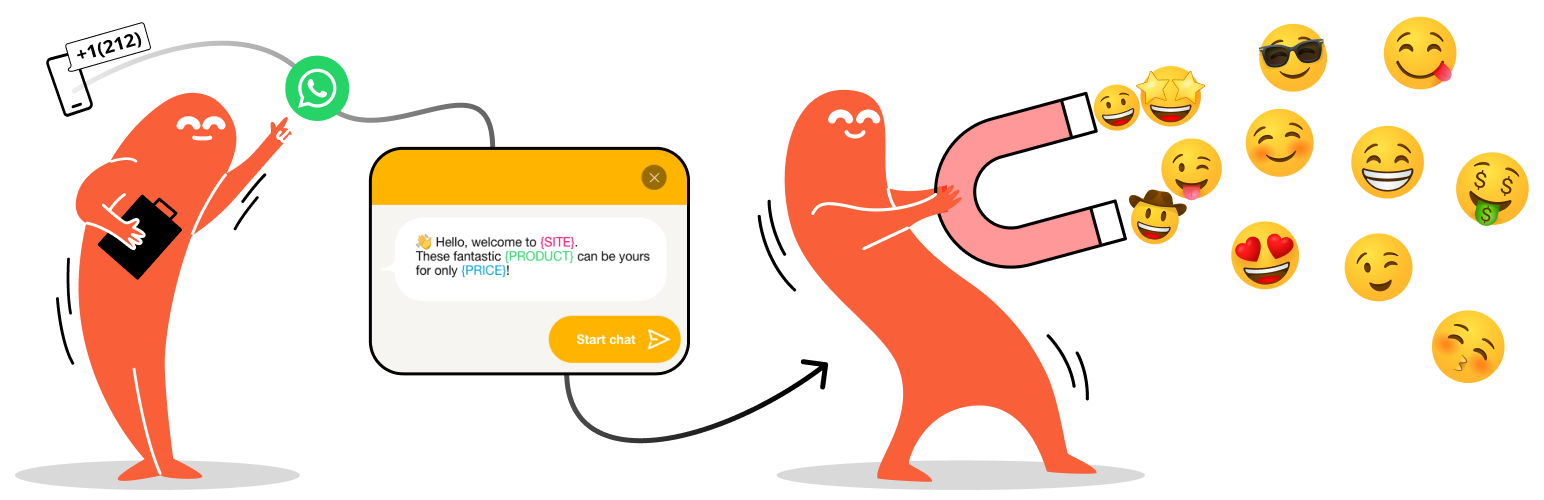
🎉 Chat with your website visitors through their favorite chat applications. Place a floating contact button at the bottom of your site and give the best support to your customers.
Documentation | Joinchat Premium | Joinchat AI ✨
⌁ What you can do with Joinchat ✅
🛎 Insert a contact button for WhatsApp on your website.
Set your ‘WhatsApp’ or ‘WhatsApp Business’ number and let your visitors contact you easily:
🧩 WhatsApp Contact Button Block with optional QR Code
📱 On mobile, launch WhatsApp mobile app
💻 On desktop, launch WhatsApp desktop app or WhatsApp Web
🤳 On desktop, show QR Code to scan from phone
Customize your logo, profile picture or even an animated gif.
Define in which pages or zones it should appear, the delay time, if you want it to the right or to the left, only on mobile phones or also on the desktop.
You can define a tooltip or a call to action to capture the user’s interest, the limit is set by your creativity.
📢 New on Joinchat 6.0
- Enhance your CTAs with Rich Chat: multiple chat bubbles, include links or buttons, add images and use random texts.
- Improved performance: vanilla JavaScript without any dependency and lazy loading of styles and scripts.
- New button icons and allows to keep the alternative image fixed.
- Integration with new WooCommerce brands.
- Other optimizations: refacto... [truncated]
Installation
- Upload the entire
creame-whatsapp-mefolder to the/wp-content/plugins/directory. - Activate the plugin through the ‘Plugins’ menu in WordPress.
wp plugin install creame-whatsapp-me --activateFrequently Asked Questions
You can change the position of the button so that nothing covers it by adding this CSS in Joinchat Settings > Advanced > Custom CSS:
.joinchat { z-index:999999; }
Higher values of z-index are above, the default value is 9000.
If you need to move up:
/* always */
.joinchat { --bottom: 60px; }

/* mobile only */
@media (max-width: 480px), (orientation: landscape) and (max-height: 480px) {
  .joinchat { --bottom: 60px; }
}
You can change the button size by adding this CSS in Joinchat Settings > Advanced > Custom CSS:
/* always */
.joinchat { --s: 50px; }

/* mobile only */
@media (max-width: 480px), (orientation: landscape) and (max... [truncated]
Changelog
6.0.8
- New allow to disable GA4 event with filter ‘joinchat_get_settings’ and set ‘ga_event’ as false
- Fix mask WhastApp phone number for Facebook Pixel events
- Fix add aria-label to Joinchat floating button
6.0.7
- Fix dark styles for loading and note messages
- Fix admin JS conflict when other plugin use IntTelInput library
- Fix Joinchat settings don’t work with HivePress
6.0.6
- Aff a filter for Litespeed Cache plugin to ensure Joinchat JS/CSS assets version. Prevent Joinchat break layout if visitor has Joinchat v5 cached assets (thanks to @tendenzeshabbychic and @qtwrk).
6.0.5
- Fix CSS transparent background color if only floating button without chatbox.
6.0.4
- Fix some js conflicts in wp-admin if other plugins adds IntTelInput.
6.0.3
- Fix js error with variable product... [truncated]