
Description
✂ Code Snippets provides an effortless way to enhance your WordPress site.
🚀 Upgrade to Code Snippets Pro for complete CSS, JavaScript, Gutenberg, Elementor and cloud synchronisation integrations. Elevate your snippets experience now!
Say goodbye to the hassle of tweaking your theme’s functions.php file and downloading endless plugins – Code Snippets simplifies the process!
A snippet is like a mini-plugin for your WordPress site, providing added functionality without the clutter.
Unlike other solutions that involve dumping code into your functions.php file, Code Snippets offers an intuitive graphical interface for seamless integration and real-time execution. Managing snippets is as easy as activating and deactivating plugins, only without the bloat and overhead.
🎥 Watch a quick overview by Imran Siddiq:
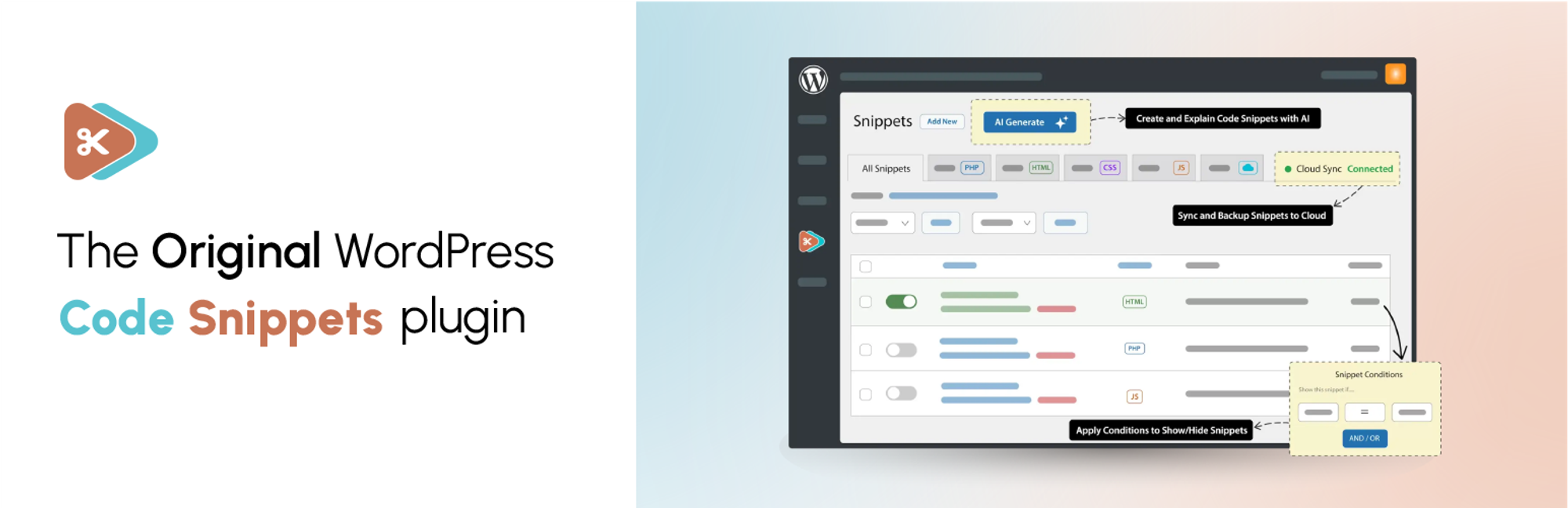
☁️ Each copy of Code Snippets includes full integration with the community-powered Code Snippets Cloud platform, providing easy access to hundreds of tweaks and enhancements ready to power-up any WordPress site.
🌐 Connect with us:
Installation
Automatic installation
- Log into your WordPress admin
-
Click Plugins
-
Click Add New
-
Search for Code Snippets
-
Click Install Now under “Code Snippets”
- Activate the plugin
Manual installation
- Download the plugin
- Extract the contents of the zip file
- Upload the contents of the zip file to the
wp-content/plugins/folder of your WordPress installation - Activate the Code Snippets plugin from ‘Plugins’ page.
Network Activating Code Snippets through the Network Dashboard will enable a special interface for running snippets across the entire network.
wp plugin install code-snippets --activateFrequently Asked Questions
A full list of our Frequently Asked Questions can be found at help.codesnippets.pro.
You can recover your site by enabling the Code Snippets safe mode feature. Instructions for how to turn it on are available here: https://help.codesnippets.pro/article/12-safe-mode.
No, the snippets are stored in the WordPress database, independent of the theme and unaffected by WordPress upgrades.
Changelog
3.7.0 (2025-08-29)
Added
- New ‘conditions’ feature: control where and when snippets execute with a powerful logic builder. (PRO)
Changed
- Redesigned edit menu with refreshed look and functionality.
- Updated snippet type badges to be more visually distinct.
- Redesigned tooltips used throughout the plugin.
- Moved content snippet shortcode options into separate modal window.
- Updated snippet tag editor to use built-in WordPress tag editor.
- Created proper form for sharing beta feedback.
- Improved UX of snippet activation toggle.
Fixed
- Fetching active snippets on a multisite network now respects the ‘priority’ field above all else when ordering snippets.
- Cloud search appears correctly and allows downloading snippets in the free version of Code Snippets.
- Improved performance o... [truncated]