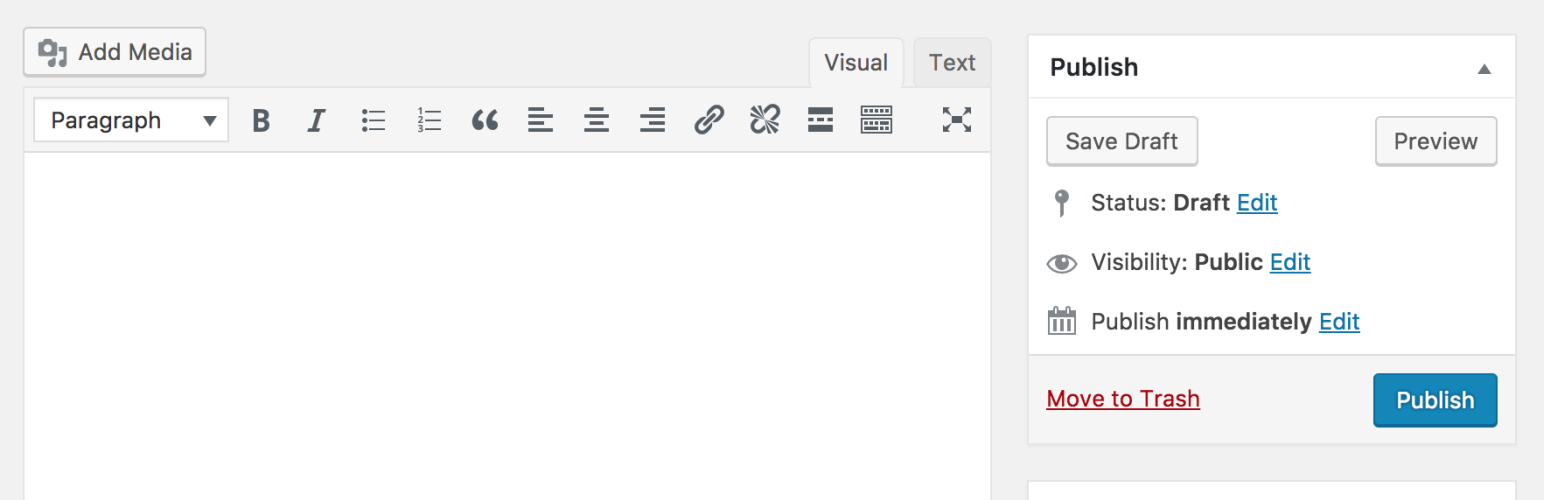

Description
Classic Editor is an official plugin maintained by the WordPress team that restores the previous (“classic”) WordPress editor and the “Edit Post” screen. It makes it possible to use plugins that extend that screen, add old-style meta boxes, or otherwise depend on the previous editor.
Classic Editor is an official WordPress plugin, and will be fully supported and maintained until 2024, or as long as is necessary.
At a glance, this plugin adds the following:
- Administrators can select the default editor for all users.
- Administrators can allow users to change their default editor.
- When allowed, the users can choose which editor to use for each post.
- Each post opens in the last editor used regardless of who edited it last. This is important for maintaining a consistent experience when editing content.
In addition, the Classic Editor plugin includes several filters that let other plugins control the settings, and the editor choice per post and per post type.
By default, this plugin hides all functionality available in the new block editor (“Gutenberg”).
... [truncated]Frequently Asked Questions
When activated and when using a classic (non-block) theme, this plugin will restore the previous (“classic”) WordPress editor and hide the new block editor (“Gutenberg”).
These settings can be changed at the Settings => Writing screen.
There are two options:
- When network-activated and when using a classic (non-block) theme, this plugin will set the classic editor as default and prevent site administrators and users from changing editors.
The settings can be changed and default network-wide editor can be selected on the Network Settings screen. - When not network-activated each site administrator will be able to activate the plugin and choose options for their users.