
Description
Advanced Custom Fields (ACF®) turns WordPress sites into a fully-fledged content management system by giving you all the tools to do more with your data.
Use the ACF plugin to take full control of your WordPress edit screens, custom field data, and more.
Add fields on demand.
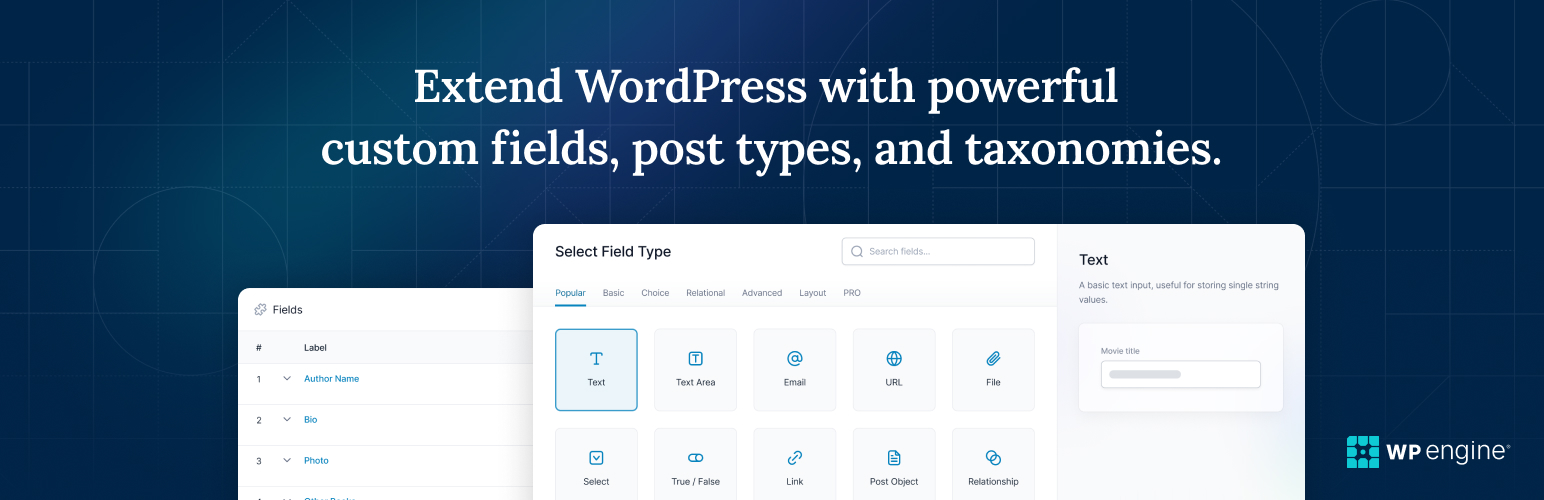
The ACF field builder allows you to quickly and easily add fields to WP edit screens with only the click of a few buttons! Whether it’s something simple like adding an “author” field to a book review post, or something more complex like the structured data needs of an ecommerce site or marketplace, ACF makes adding fields to your content model easy.
Add them anywhere.
Fields can be added all over WordPress including posts, pages, users, taxonomy terms, media, comments and even custom options pages! It couldn’t be simpler to bring structure to the WordPress content creation experience.
Show them everywhere.
Load and display your custom field values in any theme template file with our hassle-free, developer friendly functions! Whether you need to display a single value or generate content based on a more complex query, the out-of-the-box functions of ACF make templating a dream for developers of all levels of experience.
Any Content, Fast.
Turning WordPress into a true content management system is not just about custom fields. Creating new custom post types and taxonomies is an essential part of building custom WordPress sites. Registering post types and taxonomies is now possible right in the ACF UI, speeding up the c... [truncated]
Installation
From your WordPress dashboard
- Visit Plugins > Add New
- Search for “Advanced Custom Fields” or “ACF”
- Install and Activate Advanced Custom Fields from your Plugins page
- Click on the new menu item “ACF” and create your first custom field group, or register a custom post type or taxonomy.
- Read the documentation to get started
wp plugin install advanced-custom-fields --activateFrequently Asked Questions
Support Forums. Our ACF Community Forums provide a great resource for searching and finding previously answered and asked support questions. You may create a new thread on these forums, however, it is not guaranteed that you will receive an answer from our support team. This is more of an area for ACF developers to talk to one another, post ideas, plugins and provide basic help. View the Support Forum
Changelog
6.6.0
Release Date 7th October 2025
- View Release Post
- New – ACF Blocks Version 3 supports WordPress Block API Version 3
- New – ACF now requires WordPress version 6.2 or newer
- Enhancement – Field Groups can now have a separate Display Title
- Enhancement – Accessibility improvements for button groups, checkbox, radio, and image field types
- Enhancement – Color Picker field can now use a custom palette or use theme.json colors as the palette
- Enhancement – ACF admin notices now use WordPress core styles again
- Enhancement – The Flexible Content “Delete Layout” and “Rename Layout” modals now display correctly on mobile
- Fix – Blocks V3: You can now edit ACF blocks in Edit mode inside WP Core’s pattern editor
- Fix – Blocks V3: Validat... [truncated]